top of page

Install Liverkart App on Your Phone
Enjoy a fast, secure, and app-like shopping experience by adding Liverkart to your home screen.
✅ For Android Users (Recommended: Google Chrome)
-
Open www.liverkart.com in Google Chrome
-
Tap the 3 dots (⋮) at the top right
-
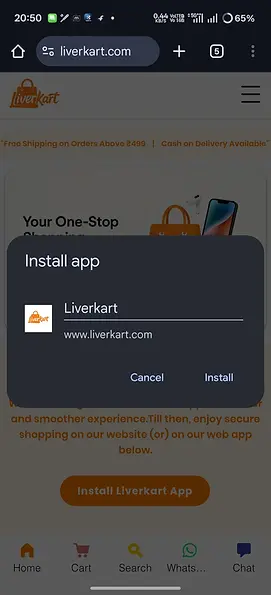
Tap “Add to Home Screen”
-
Tap Install ( If you see 'ADD' button instead of ' Install ' button ! Please re-open the site once )
✅ Liverkart will now appear on your phone like a real app


⚠️ If not get 'INSTALL' option please revisit the site (or) Update the Chrome App.
⚠️ App behavior may vary slightly on different Android devices due to system limitations.
✅ For iPhone Users (Safari)
-
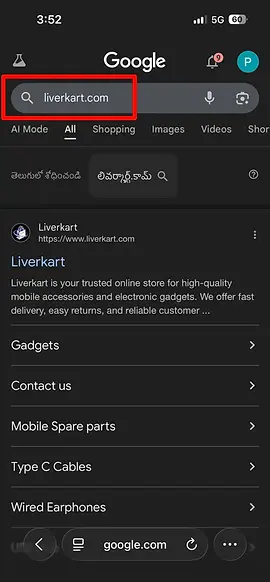
Open www.liverkart.com in Safari
-
Tap the Share icon (⬆️)
-
Tap “Add to Home Screen”
-
Tap Add
✅ Liverkart is now added to your iPhone like an app



Why Install Liverkart on Your Phone?
✅ Faster access
✅ No need to type website again
✅ App-like full screen experience
✅ Secure shopping
✅ Instant access to offers
🔜 Our official Play Store & App Store apps are launching soon.
Thank you for supporting Indian startups ❤️
bottom of page